



Make a screencast of whatever happens on your screen
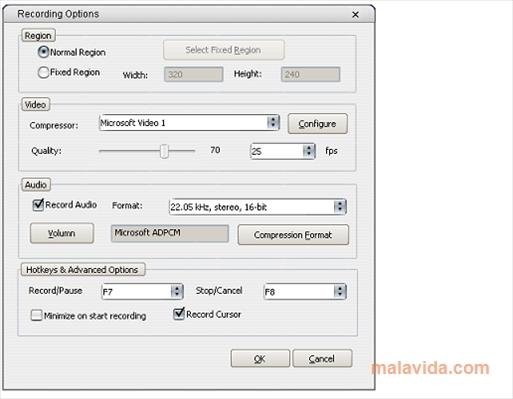
As the creation of video tutorials has become the in thing as of late, the amount of applications capable of capturing what happens on your screen on video has multiplied. Freez Screen Video Capture is one of these new applications. The only purpose of this application is the creation of screencasts, recording all your screen or only the area indicated by the user, with the possibility to include simultaneous audio from a microphone.
Create video tutorials by means of screencasts
The resulting video files will be in AVI format, compressed using some of the most popular codecs, at the user's choice, so that they will be able to be played on any PC or even uploaded without any problem to web hosting services like YouTube. We won't have to worry about our screen's color setting because Free Screen Video Capture has full support for any screen color depth, something that is really good and saves a lot of time.
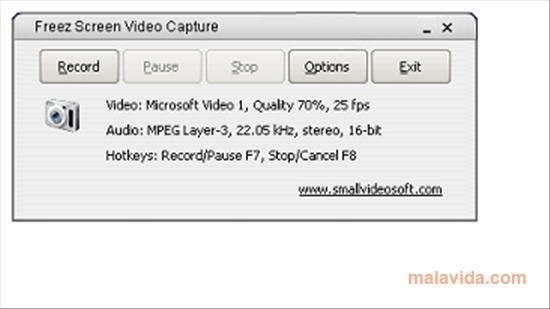
To control Freez Screen Video Capture, we'll be able to use keyboard shortcuts, thus being able to pause, stop or start a capture without the mouse having to leave the area that is being recorded. And thanks to this, making tutorials will be a lot easier.
 Héctor Hernández
As a technology journalist with over 12 years of experience in the world of software and apps, I have had the opportunity to try all kinds of devices and operating systems over the years. I have done from software or mobile applications reviews...

Antony Peel